About Mathex Scientific Calculator
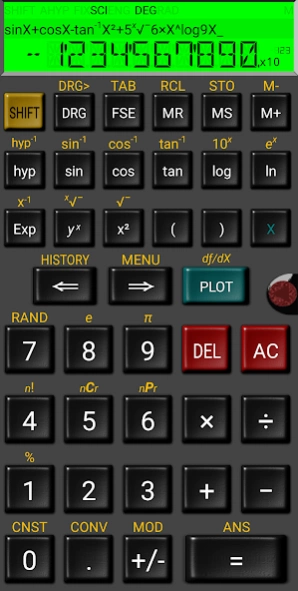
Mathex Scientific Calculator Fully featured, expression based, scientific calculator which looks and operates like a real one. Mathex includes the following features: * Direct algebraic logic: enter equations as they are...
Mathex Scientific Calculator
Fully featured, expression based, scientific calculator which looks and operates like a real one.
Mathex includes the following features:
* Direct algebraic logic: enter equations as they are written
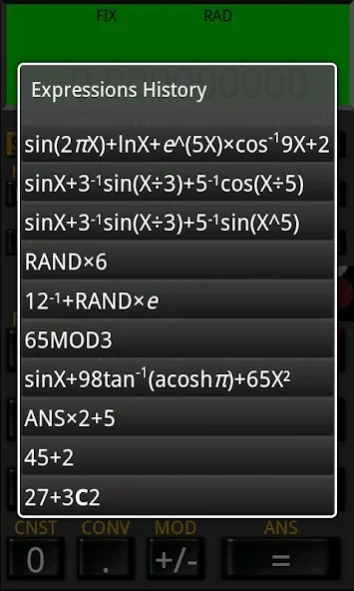
* History Playback: Recall any of the 10 last steps you have made
* Expression (re)editing: change equations and recalculate
* Chain calculations: use answer in following equation
* 2-Line display: check your equation and answer at the same time
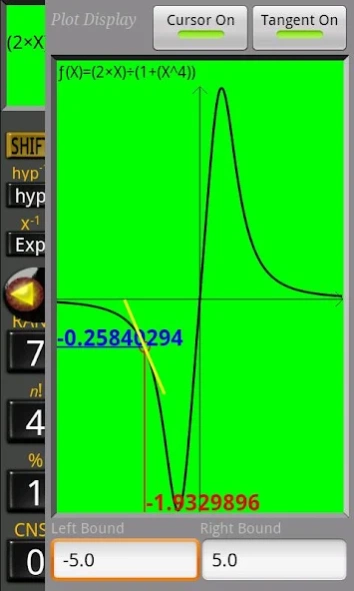
* Intuitive Plotting feature
* Symbolic derivative
* Metric conversions
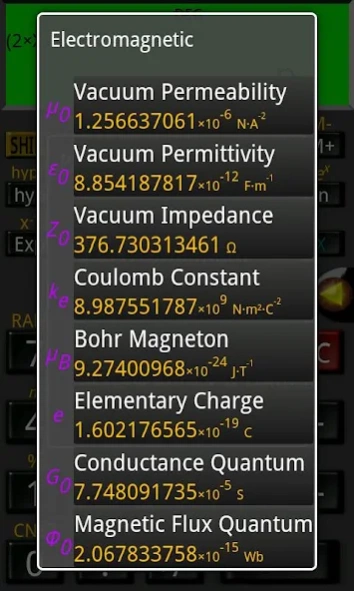
* Physical constants table
* 10 numerical memories
* Percentages calculations
* Combinatorial operators
* Trigonometry functions in degrees, radians or grads
* Normal, Fixed, Scientific or Engineering display modes
* Thin space digit grouping (SI/ISO 31-0 standard)
* Random number generator/White Noise for functions
* Sturdy, stylish look
To request support visit:
https://docs.google.com/spreadsheet/viewform?formkey=dDhzQkFuUWlLT0Y2TXkxVDV4d3QtM3c6MQ
Previous Versions
Here you can find the changelog of Mathex Scientific Calculator since it was posted on our website on 2014-06-14 05:52:00.
The latest version is 1.5.6 and it was updated on 2024-04-22 12:45:20. See below the changes in each version.
Mathex Scientific Calculator version 1.5.6
Updated At: 2020-03-14
Changes: Support for Android Q
Mathex Scientific Calculator version 1.5.5
Updated At: 2019-05-13
Changes: -New Tablet layout!
-New default screen style, even more realistic!
-Improved exp10 operator display
(YOU CAN RETURN TO NORMAL DISPLAY:
MENU-> Settings-> Display Type-> Normal )
Mathex Scientific Calculator version 1.4.3
Updated At: 2017-06-11
Changes: -Android 'O' Support
-Updated SDK
Mathex Scientific Calculator version 1.4.1
Updated At: 2016-08-17
Changes: - UpdatedSDK,- Performance tweaks
Mathex Scientific Calculator version 1.2.0
Updated At: 2012-12-20
Changes: Several fixes and updates
Disclaimer
Official Google Play Link
We do not host Mathex Scientific Calculator on our servers. We did not scan it for viruses, adware, spyware or other type of malware. This app is hosted by Google and passed their terms and conditions to be listed there. We recommend caution when installing it.
The Google Play link for Mathex Scientific Calculator is provided to you by apps112.com without any warranties, representations or guarantees of any kind, so access it at your own risk.
If you have questions regarding this particular app contact the publisher directly. For questions about the functionalities of apps112.com contact us.